In this article we will learn an efficient way to delete old GitHub Actions runs.
Wondering how to keep the history of Actions clean?
▶️ Org-level retention policy (does not delete the run itself)
▶️ Repo-level retention policy (does not delete the run itself)
✅ Or a more granular automated way? (deletes the run)
If you use GitHub, Actions is the native way to build a CI/CD pipeline.
However, if you have not set a retention policy for your runs, you may end up with a lot of old runs that you do not need anymore.
In this article, I will show you how to delete old GitHub Action runs.
GitHub Actions runs are the executions of your workflows. They can be triggered by pushing a commit or creating a pull request, or on a schedule, etc. based on how you have defined it in your workflow config files.
Those config files act as a recipe or a blueprint and each run is an instance of that recipe.
(similar to class vs object if you are a programmer)
Each time a workflow is triggered, a new run is created, and you can see the list of runs in the Actions tab of your repository.
How to delete old GitHub Actions runs
One way to delete old logs and artifacts is to globally set a retention policy for all repositories in your organization (or per repo). This can be done by going to the organization/repo settings and set this:
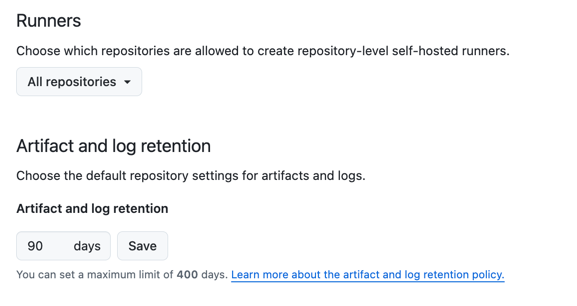
The problem with this approach is that you cannot granularly set the retention policy for each repository. Also, it needs to be done by an org-level admin. Alternatively, you can set this on the repository level, but still, it only removes logs and keeps the action runs. So, if you do not have access to set this policy for your org/repo, or you want to set a different retention policy, you should either manually do it by opening the Actions tab of your repository and deleting them all manually one by one, which can be time-consuming, or you should build your own solution to call the GitHub API to list and delete them automatically. This is not a one-time job, so you end up having to do this again and again.
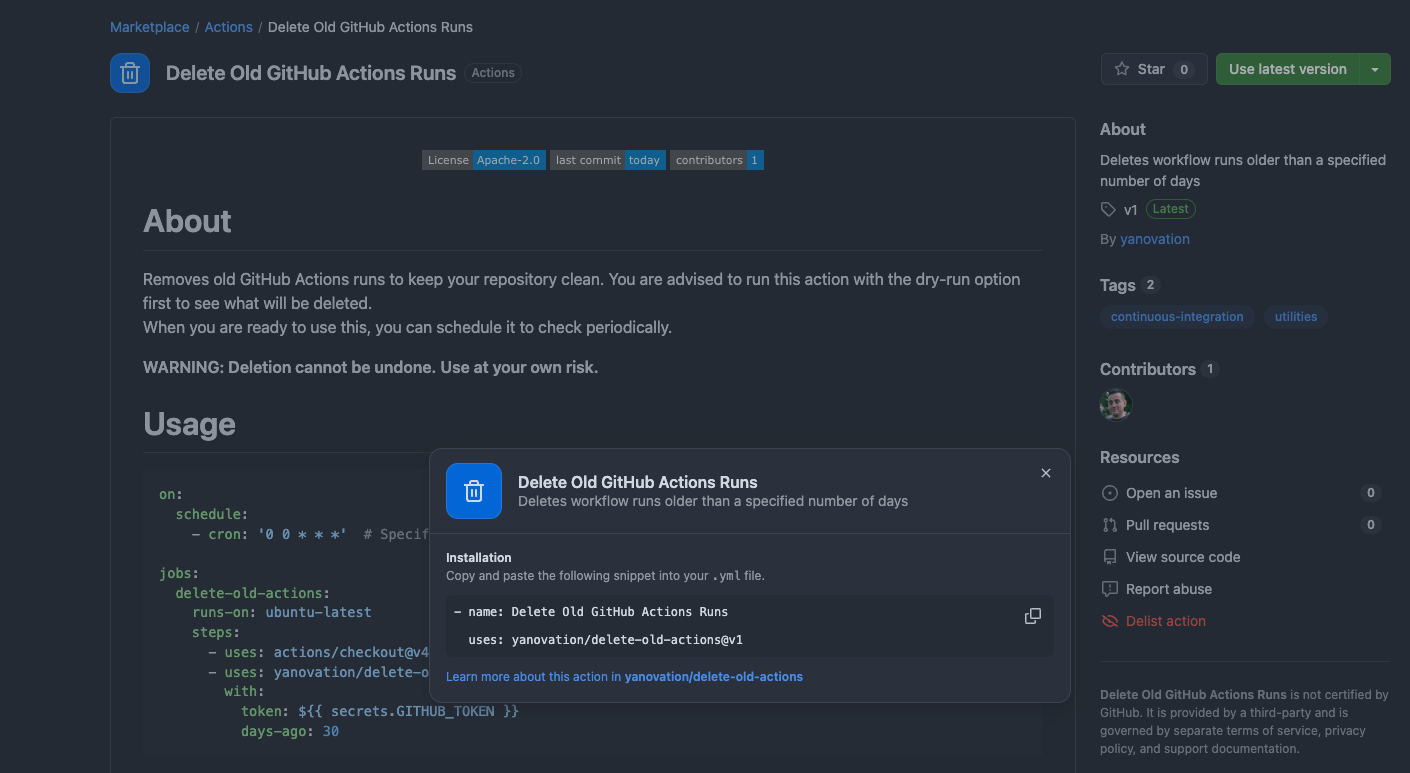
To save you time, I have created a public Action, available on the GitHub Marketplace that you can use for deleting old Actions runs. It can be found: here.
Right now, in this initial version, it accepts the following inputs:
- token: The GitHub token to use for authentication. (required)
- days-ago: The number of days ago to delete the runs. (required)
- dry-run: If set to true, the Action will only list the runs to be deleted without actually deleting them. (optional, default: false)
- keep-latest: The number of latest runs to keep. (optional, default: 0)
For the token, you can just use the which is a default secret that GitHub provides to each run. You can read more about it here.
You can use the dry-run option to test the accuracy of the Action before trusting it to delete your runs. And you can use the keep-latest option to keep the latest runs, even if they are older than the days-ago value. This can be useful if you want to keep the latest runs for a specific reason.
Here is an example workflow that uses the Action to delete runs older than 30 days:
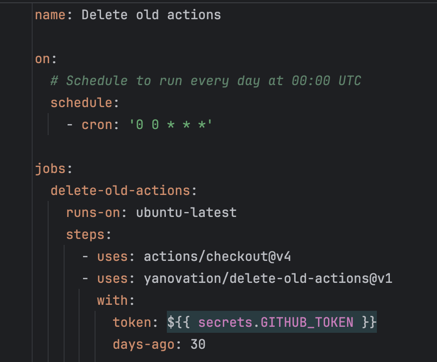
copy/paste from here
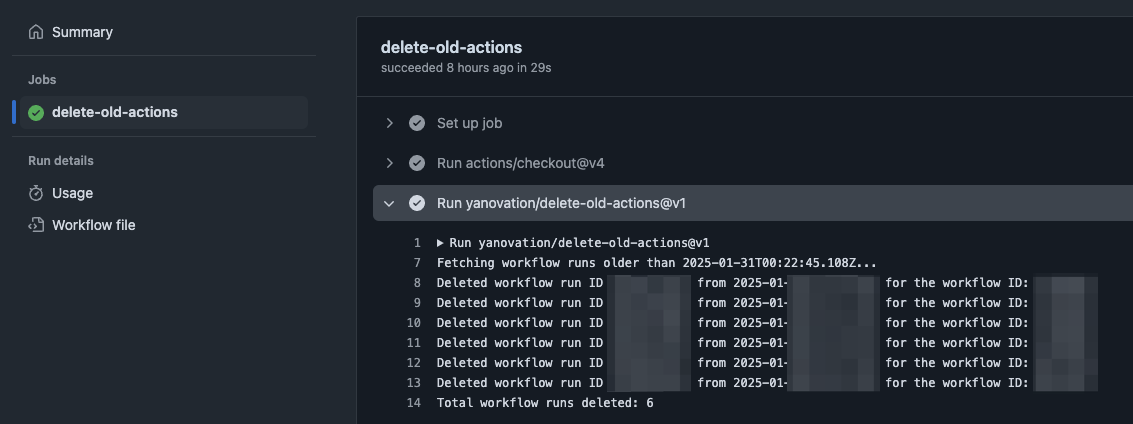
And when it runs, you will see the list of deleted runs in the job log:
The only cons of this approach that I can imagine is that it consumes additional minutes from your limits, but that is not a big deal in almost all cases. To minimize this, you can even schedule this workflow to run once a month or so, but bear in mind that this will make the deletion dates less accurate.
Do you already use this Action?
Do you know any other solutions?
Do you have any suggestions?
Let me know.